Building inventory purchasing flag reports

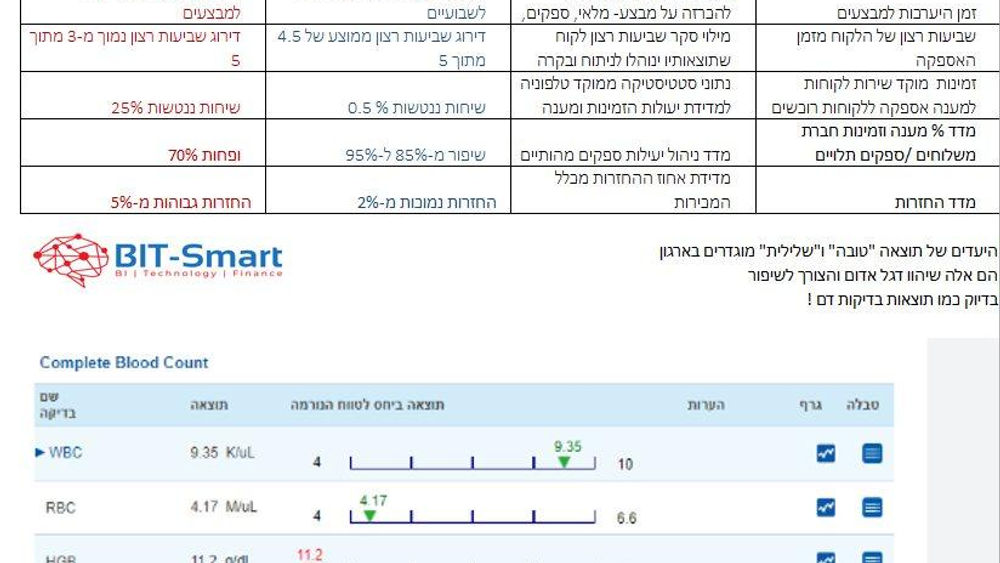
The purpose of the reports is to alert us to the need to check whether a purchase is required and to help us make a real-time decision on the need to order from the supplier.
Examples of critical metrics that should usually be taken into account to define alert metrics:
- Inventory balance
- Open customer orders / order forecast
- Purchase orders not yet supplied
- Average sales over X months. For example sales over the last three months
- Months of inventory remaining according to the sales forecast (how many months of use I have left in inventory)
- Approved / in-process purchase orders
- Safety stock (also based on supply days)
Based on the parameters that are set, the report will display only inventory identified with a "flag".
For example, displaying only alerts for inventory items that had sales transactions this month and whose months of inventory are less than 1.5.
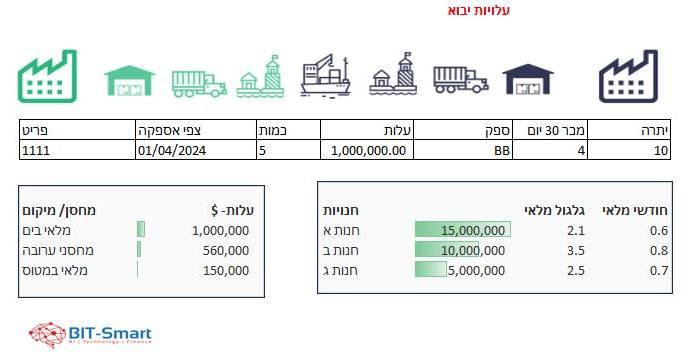
Additional data that will appear in the report to help us make the decision -
1. Item and item name
2. International item code, if relevant
3. Preferred supplier for the item
2. Supplier name
3. Minimum order
4. Item price
5. Lead time
6. Last sale date